How to Make YouTube Shorts From Long Videos (The Fast Way)
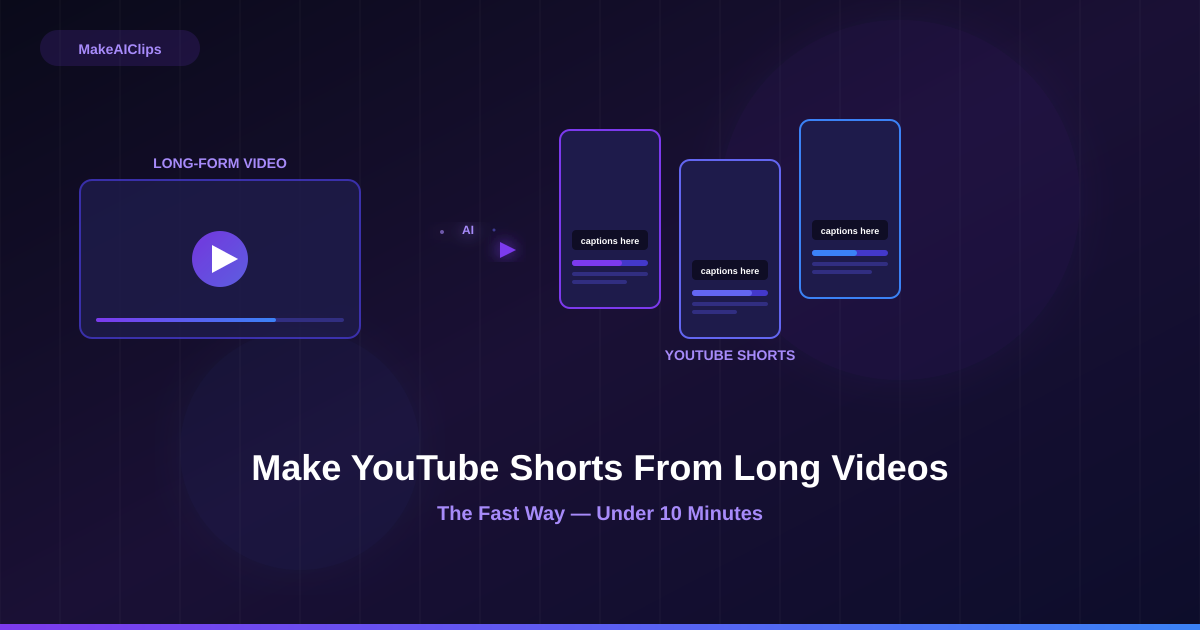
YouTube Shorts get 70 billion views per day.
Your long-form videos already have the best moments inside them. You just need to get them out — in the right format, the right length, and with captions — without spending three hours editing.
Here's how to do it in under 10 minutes.
What Makes a Good YouTube Short (vs a Bad One)
Before we get into the how, understand what you're optimizing for.
YouTube Shorts are served in a vertical feed to people who didn't search for you. They don't know who you are. They have no patience. The algorithm judges your Short on completion rate — what percentage of viewers watch all the way through.
A good Short:
- Hooks in the first 2 seconds (no intros, no "hey guys welcome back")
- Has one clear point or payoff
- Has captions (85% of mobile video is watched on mute)
- Is 30–59 seconds (sweet spot for completion rate in 2026)
- Ends on something memorable — a punchline, a conclusion, a cliffhanger
A bad Short is just a chunk of your long video with the intro cut off. It still meanders. It still has dead air. The Shorts algorithm punishes it quickly.
The difference between a good and bad Short is almost entirely about clip selection — picking the right 45 seconds, not any other 45 seconds.
Method 1: AI Selection (Recommended — 90 seconds)
This is the fastest method and, for most creators, produces the best results because it removes the selection bias you have about your own content.
Step 1: Go to makeaiclips.live Step 2: Paste your YouTube video URL Step 3: Wait ~90 seconds
The AI reads your transcript, scores every segment for retention potential, and selects the top 3 moments. Each clip is:
- Cropped to 9:16 vertical (face-tracking auto-crop)
- Trimmed to 30–90 seconds
- Captioned word-by-word with highlight
- Given 3 hook title variations
Download → upload to YouTube Shorts. Done.
The only thing to do manually: pick which of the 3 hook titles you want to use as the Short title, and write a two-line description with your target keyword.
When to use this: Any talking-head, podcast, interview, or tutorial content. Videos where you're speaking directly to camera.
Method 2: Manual Selection + CapCut (15–30 minutes)
If you want more control over exactly which seconds are in the clip, this is the manual path.
Step 1: Watch your video and timestamp the moments Look for: surprising claims, strong one-liners, step-by-step explanations, emotional peaks. Note the timestamps.
Step 2: Export the clip In YouTube Studio → Editor → trim to your timestamps. Export.
Or in DaVinci Resolve / Premiere: cut the clip, export as H.264 1080p.
Step 3: Reframe to 9:16 in CapCut Open CapCut → New Project → import clip → set ratio to 9:16 → use "Auto Reframe" to track the speaker's face.
Step 4: Add captions in CapCut Text → Auto Captions → select language → generate. Review for errors (there will be some). Adjust timing on any off-sync words.
Step 5: Add hook title Large text overlay at the top of the frame. Bold, 2–5 words, high contrast.
Total time: 15–30 minutes per clip, depending on your editing speed.
When to use this: When you need exact frame-level control, when you want to combine footage from multiple points in the video, or when the content is highly visual and AI selection underperforms.
Method 3: YouTube Studio Clips Tool (5 minutes, lower quality)
YouTube has a built-in Clips tool — you can select a 5–60 second segment and share it as a Short without downloading anything.
The limitation: no captions, no reframing, no hook title overlay. It's a horizontal letterbox clip posted as a Short. Completion rates are lower, distribution is weaker.
Use this only for quick testing or if you have no other tools available.
YouTube Shorts Best Practices for 2026
Length: 30–59 seconds outperforms both shorter and longer. 15-second Shorts get lower completion rates because they're over before the algorithm decides to push them. 60-second Shorts are cut off from the Shorts feed entirely.
Title: Your Short title is an SEO field on YouTube. Use your target keyword. "How I [did X] in [timeframe]" and "The [number] [noun] every [audience] needs" formats consistently outperform generic titles.
First frame: YouTube pulls a random thumbnail from your Short. To control it, upload a custom thumbnail (available for Shorts now). The first frame of your video should not be a blank or transitional shot.
Posting frequency: 3–5 Shorts per week outperforms 1–2 for channel growth. You don't need to record anything new — just process your back catalog.
Comments: Reply to every comment in the first 24 hours. YouTube's algorithm uses engagement velocity as a ranking signal for Shorts.
Your Back Catalog Is a Content Library
If you have 50 long-form YouTube videos and each one has 3 good clips inside it, you have 150 Shorts ready to produce — without recording a single new video.
At 3 Shorts per week, that's almost a year of content.
Most creators don't think about their back catalog this way. They're too focused on the next recording to notice that the best content they've ever made is already sitting there, unclipped.
Run your 5 best-performing YouTube videos through MakeAIClips this week. Post the clips over the next two weeks. See what the Shorts algorithm does with them.
→ Start free at makeaiclips.live — 5 clips, no credit card